I'm So Sorry Trend AI: The Perdon Trend Set From One Photo
Upload one photo, pick what the AI should lie about, and get every slide of the "I'm so sorry, I lied" carousel with the caption already on it.
What is the I'm so sorry trend?
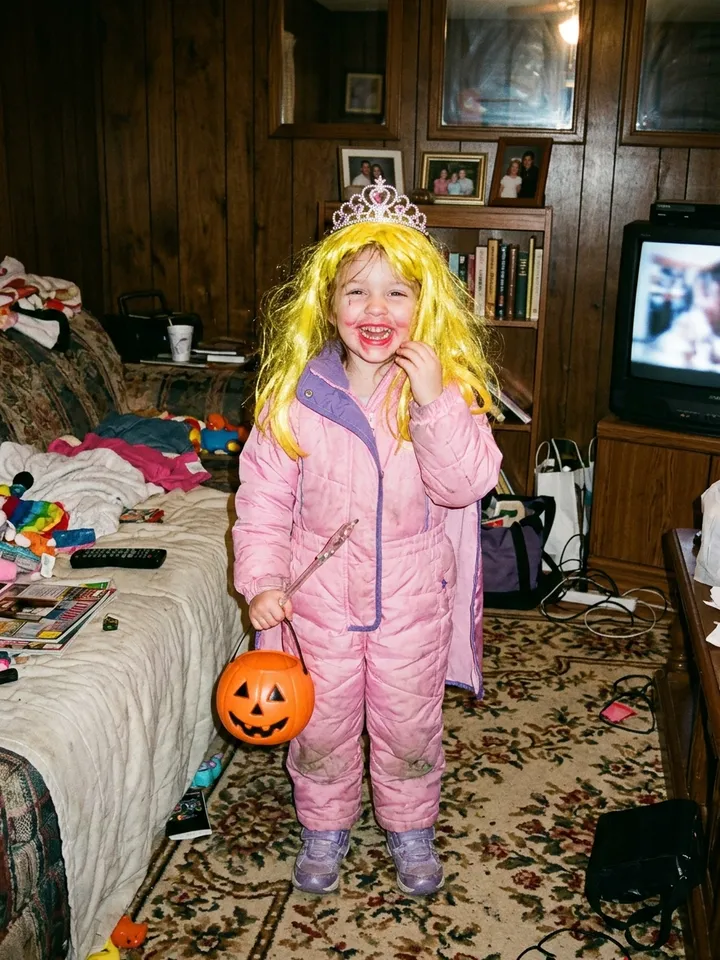
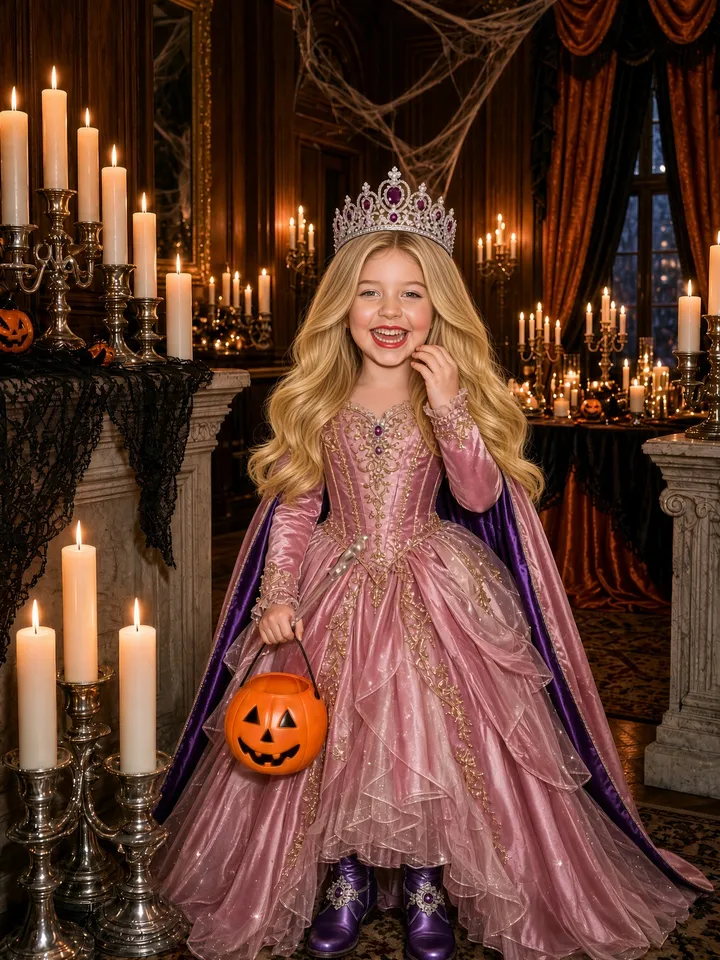
The I'm so sorry trend, also called the perdon trend, is a TikTok photo carousel: the first slide is an AI-perfected version of a real photo (in English, often a childhood Halloween costume), each next slide takes one lie back, and the last slide is the real photo captioned "I'm so sorry."
The earliest Spanish post we found is from October 14, 2026; it took off on October 18 under a Harrison guitar sound now used in 152.3K posts. The English version ("When I was little… / Ok sorry…") took off on October 20 with "original sound - secret", used in 174.2K posts; 195 of the 621 English posts we sampled mention Halloween or a costume. Counts as of October 21, 2026.
How to make the I'm so sorry trend
- 1
Upload one photo
One clear photo: a Halloween costume photo from when you were little, a childhood photo, a sports photo, a selfie or your pet. JPG, PNG or WebP, at least 300 pixels on the short side.
- Perfect wigExpensive costumeFancy party2
Pick the lies and press Generate
Choose a style (it opens on the Halloween costume one), tick the lies you want, like a perfect wig or an expensive costume, and edit the captions if you like. A set takes about 2 minutes, and you can leave the page while it is made.
- 12
 3
3 4
4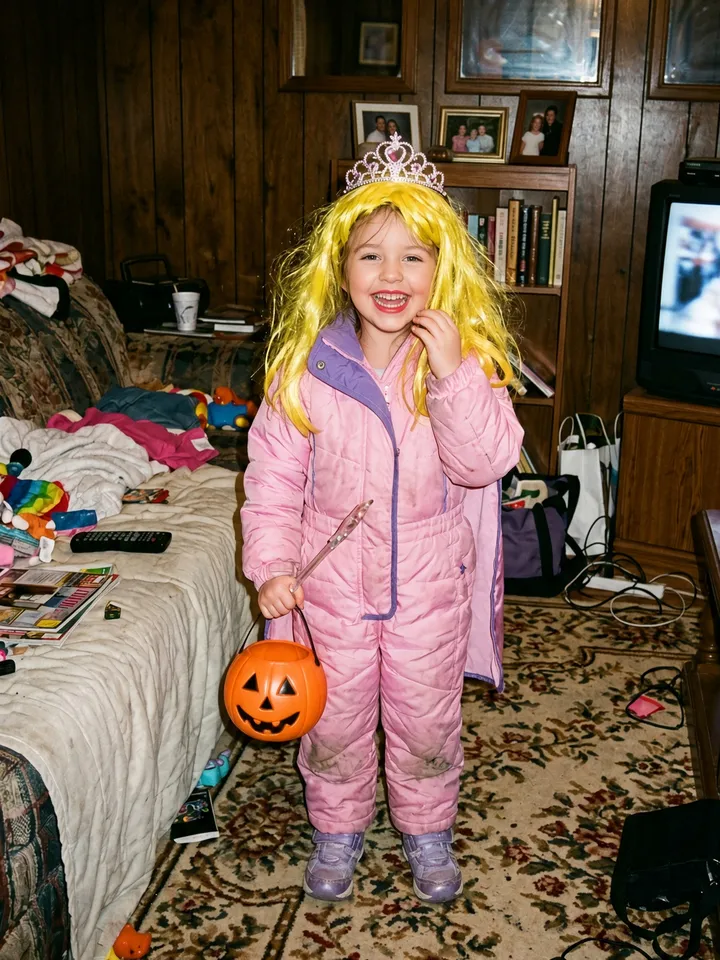 53
53Save the set and post it as a photo carousel
Save the slides to your phone: each one is a 1080 × 1440 JPEG with its caption on it. In the TikTok app tap + → Upload → Photos, pick them in order from 1 to the last one, and add the sound in TikTok.
Which photo should you use?
A Halloween costume from when you were little
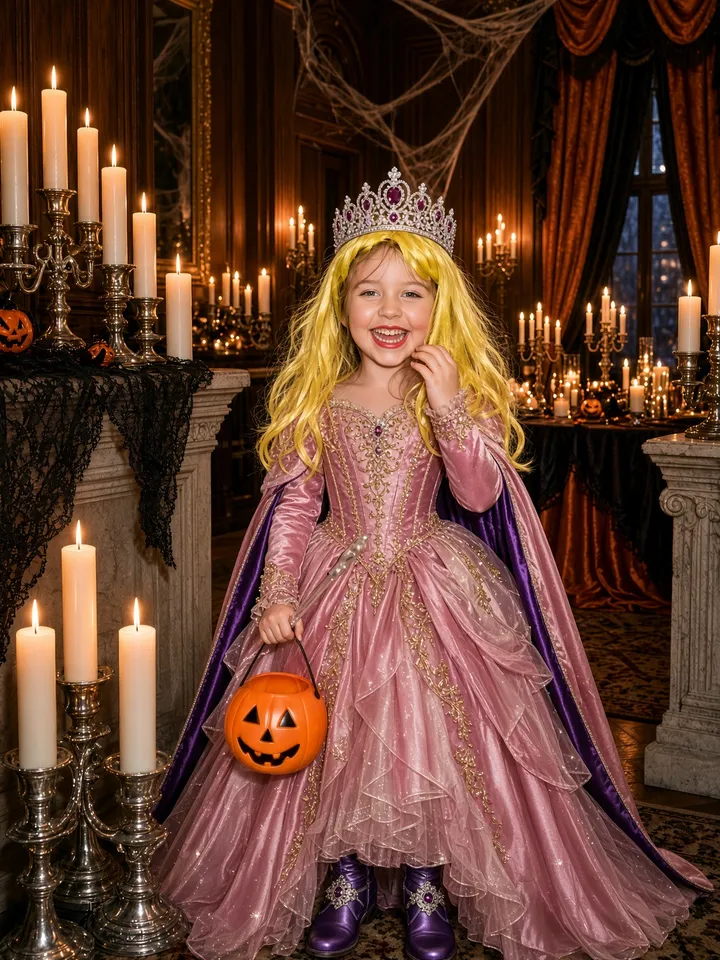
The AI gives your homemade costume a perfect wig, a pricey makeover, a fancy party and pro makeup. Each slide takes one back, and the real costume closes the "I'm so sorry I lied" set.
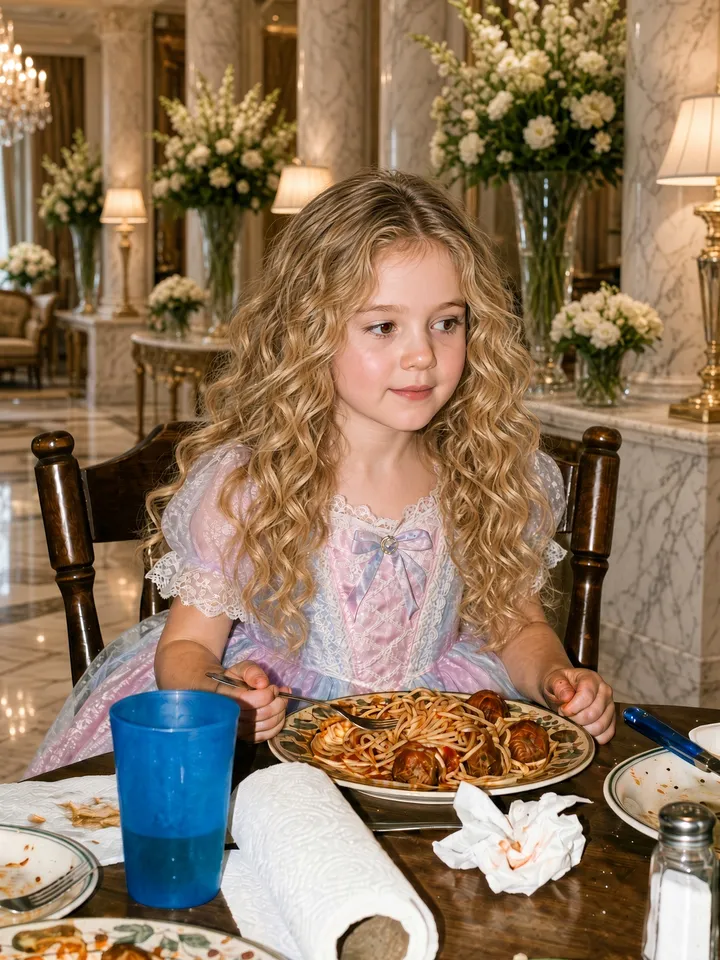
Your childhood photo
A fancy house, blonde hair, a sweeter pose and a princess dress, taken back one slide at a time until only the real photo is left.

Your pet
Show grooming, a big bow and a fancy bed for your dog or cat, then the real pet on the last slide.
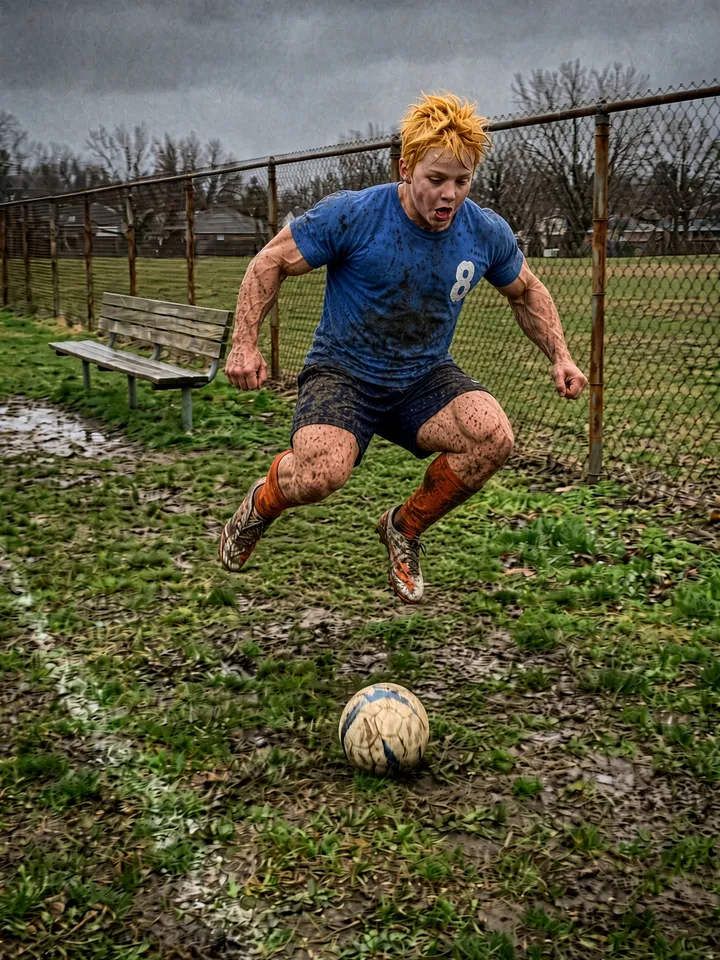
Sports photo
A huge jump, pro muscles and a pro kit first, then the real game. The earliest sports post we found is a skater owning up that he doesn't jump that high.
I'm so sorry trend price
Pay only for the sets you make. Each set uses credits.
The easiest way to make the I'm so sorry trend
The whole set, not one picture
You get every slide of the carousel, from the AI-glam Halloween costume to the real homemade one, not a single edited image.
Captions already on every slide
White text with a thin dark outline, centered like TikTok's own text, so there is nothing to add slide by slide.
One lie off per slide, from your own photo
Every slide comes from the same photo and takes one lie back, the wig first, then the costume, just like the posts on TikTok.
Preset lines people actually use
Captions start from lines real posts use, like "this was my halloween costume" and "ok i lied, …", and you can edit every one except the closing "I'm so sorry".
I'm so sorry trend questions
How do I make the I'm so sorry trend on TikTok?
Save the slides, then in the TikTok app tap +, choose Upload, then Photos, and pick the slides in order from 1 to the last one. Add the sound in TikTok before you post.
Do I need an app or a prompt?
No. It runs in your browser: instead of writing a prompt, you pick a style and tick the lies, and the captions come with them.
What is the "I'm so sorry I lied" Halloween version?
It is the English version of the I'm so sorry trend that took off on October 20, 2026: an AI-glam version of a childhood Halloween costume first, then the real homemade costume with "I'm so sorry I lied". The Halloween costume style is the one the tool opens on.
Is the I'm so sorry trend the same as the perdon trend?
Yes, it is the same joke with a different sound: the AI-perfect photo first, the real photo last. Spanish posts say "Perdón"; English posts say "I'm so sorry".
Which song or sound do people use?
English posts mostly use "original sound - secret"; Spanish posts use a Harrison guitar sound. Our slides have no sound, so you add it in TikTok.
What photo works best?
A clear photo of one person or one pet, with the face easy to see. Ordinary, messy everyday photos work best: the bigger the gap between your photo and the AI version, the funnier the set. JPG, PNG or WebP, at least 300 pixels on the short side.
How many slides do I get?
One slide for each lie you tick, plus the real photo at the end. Most posts on TikTok have 4 slides. You can tick up to 4 lies, so a set has up to 5 slides.
Can I change the captions?
Yes, every caption but the last. Each slide starts with a preset line you can edit before you generate; the last slide always says "I'm so sorry".
Can I use a photo of my pet?
Yes. Pick the Pet style when you upload the photo.
How long does it take?
About 2 minutes for a set with four lies: the slides are made one after another, each from the one before. You can leave the page; the set keeps being made and waits for you.
How much does it cost?
Credit packs, paid once, no subscription: 1 set for $2.99, 3 sets for $5.99, and 8 sets for $9.99. A set with all 4 lies uses 40 credits; a set with fewer lies uses fewer.
Is it free?
No, there is no free set here. You can also make it by hand: in an AI photo editor, add one change at a time to your photo and save every version, then post them from the most edited to your real photo and type the captions with TikTok's text tool. That costs only what your editor charges. Here one photo gives you every slide with its caption on it, from $2.99.
Can I use someone else's photo or a celebrity's?
Only if it is you or your pet, or you have permission to use the photo, and you are 18 or older: you confirm both in a checkbox before generating. Don't upload photos of celebrities.
What happens to my photo?
It is used only to make your set, and uploaded photos are deleted after 7 days.
Make your own I'm so sorry trend
Dig out that childhood Halloween costume photo: one photo in, every slide out, captions already on.
Generate my set